✨ AI-powered vision assistant

Your eyes,
powered by AI.

Urobi describes your surroundings, reads text aloud, and answers follow-up questions by voice — hands-free, for people with limited vision. It also enables accessible use of ChatGPT.

Free starter credits No accounts, no storage
Available on iOS Android – Coming Soon
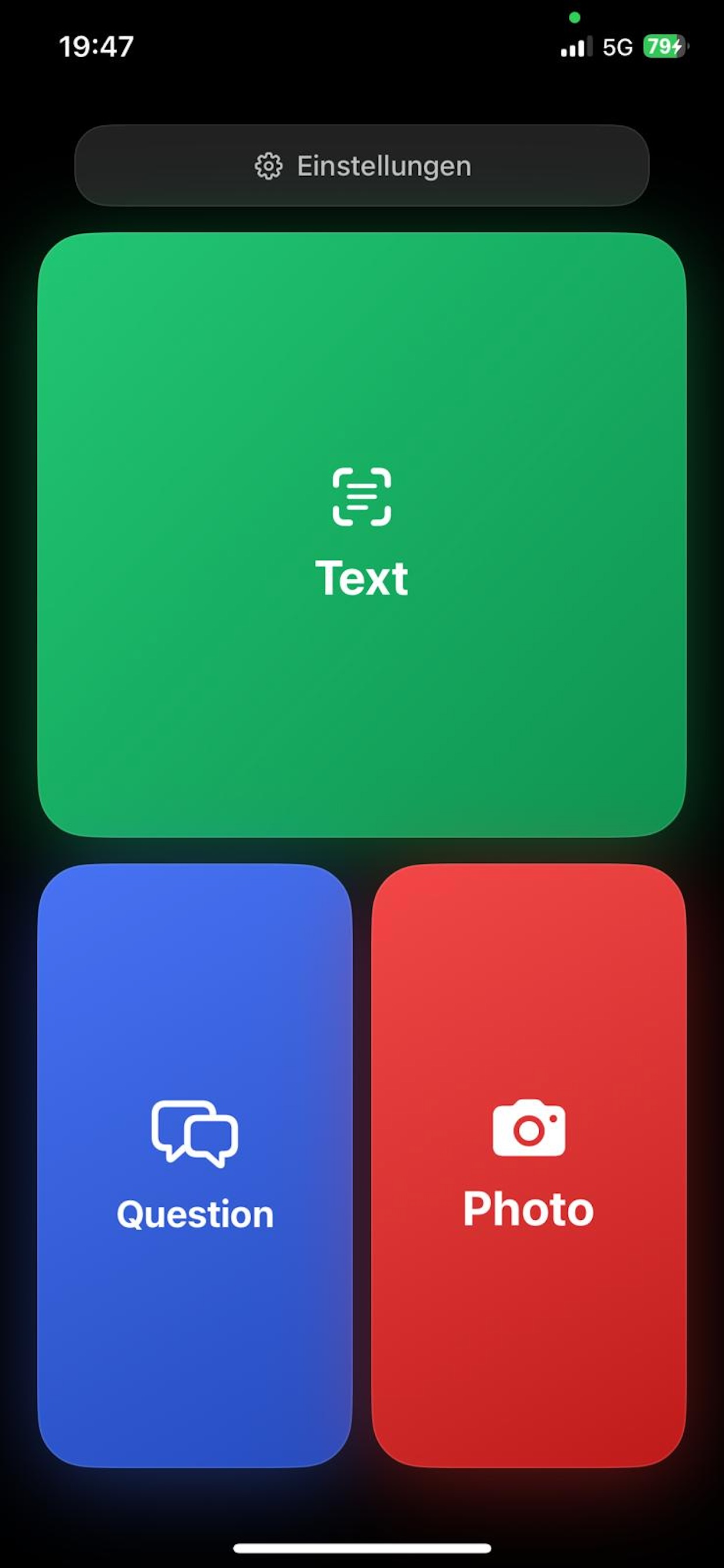
Urobi app main screen with large buttons for describe, scan text, and follow-up questions
My Story

Why I built Urobi

When my mother suddenly developed a severe visual impairment, I wanted to find a way to keep helping her manage her everyday life independently. Even small tasks, like telling medications apart or reading signs, were no longer possible. As a software developer, I realized how important accessible technology is. So I first built a prototype just for my mother. She became my first tester, and it quickly became clear how much freedom the app gave her. It felt like a waste not to make this available to other people facing similar challenges. That's how the idea for Urobi was born. Urobi is short for Uschi (my mom) and Robert. After many iterations and a few months of development, the app was ready for use. My hope is that Urobi can help many people with visual impairments better understand their surroundings and gain more independence in everyday life.
Video

Urobi in action

A quick look at how Urobi helps in everyday life. Video coming soon.

Features

Everything you need to understand your surroundings

Just point the camera, tap (or ask Siri) — Urobi handles the rest.

🖼️

Describe

One photo, a clear spoken description of the scene or object in front of the camera.

🔤

Scan text

Reads signs, labels, menus, and documents out loud.

💬

Follow-up questions

Ask a spoken follow-up question about the same photo and get a spoken answer.

🗣️

Siri Shortcut

"Hey Siri, Describe with Urobi" — fully hands-free.

🌍

Multilingual

Responses automatically adapt to your device language. Urobi natively supports 10 languages: English (default), German, French, Spanish, Dutch, Arabic, Italian, Portuguese (Brazil), Simplified Chinese, and Japanese.

Sneak peek

What Urobi looks like

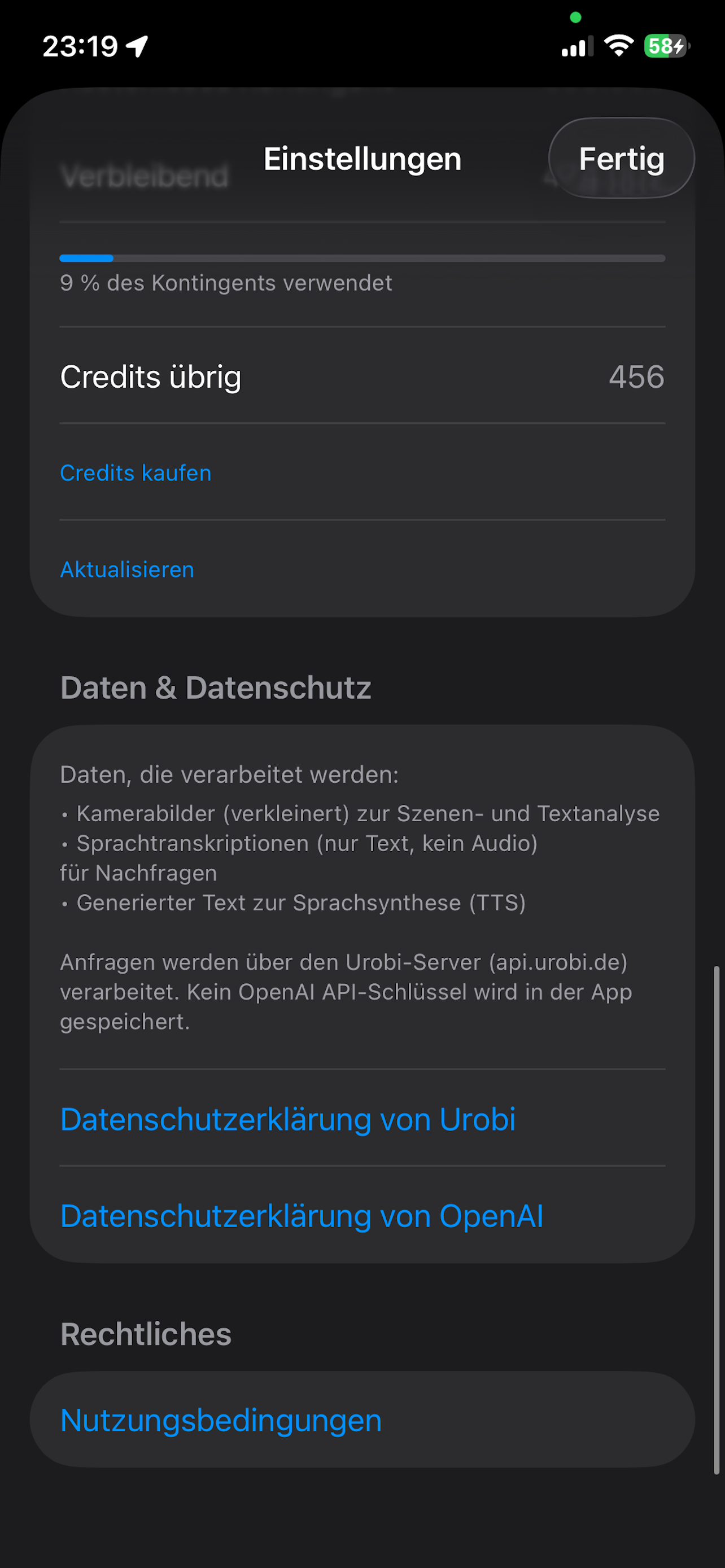
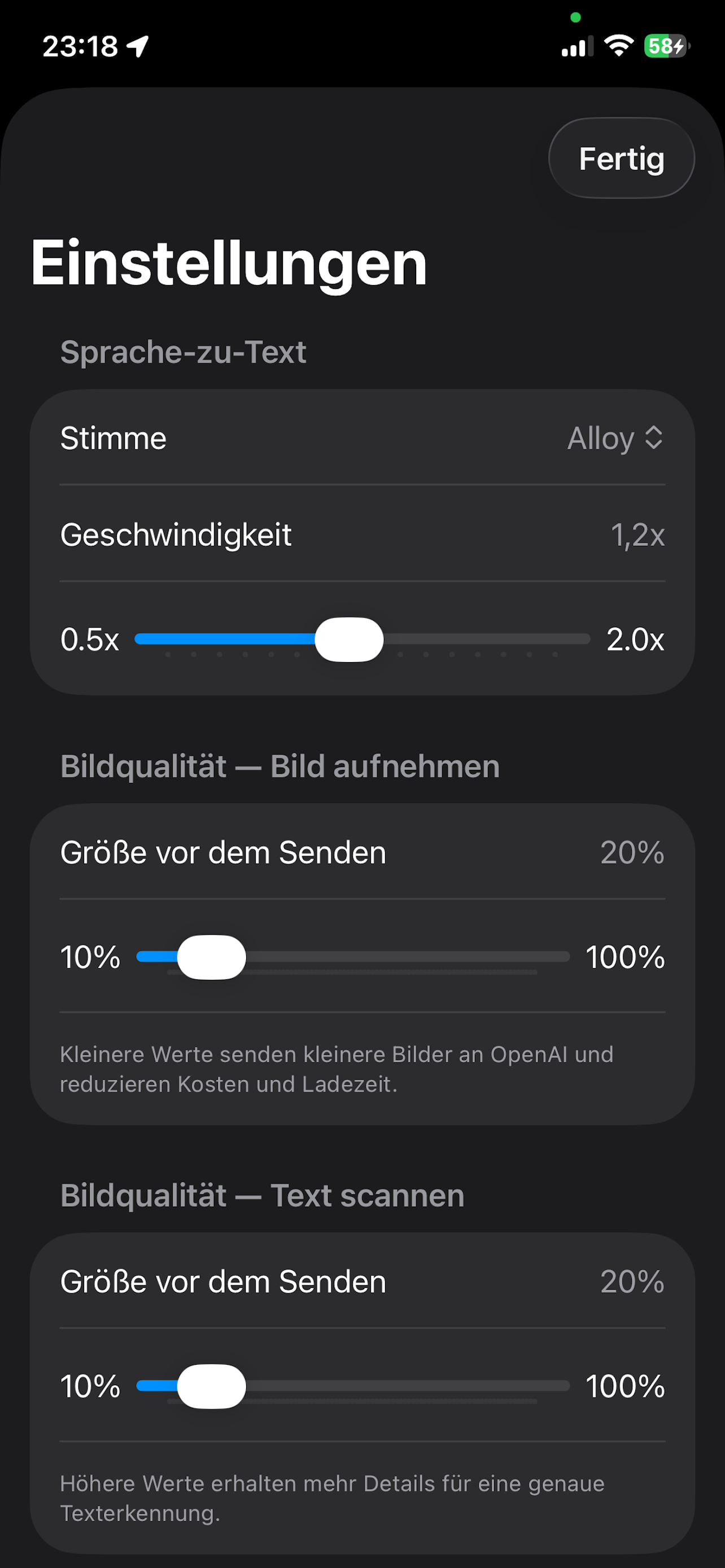
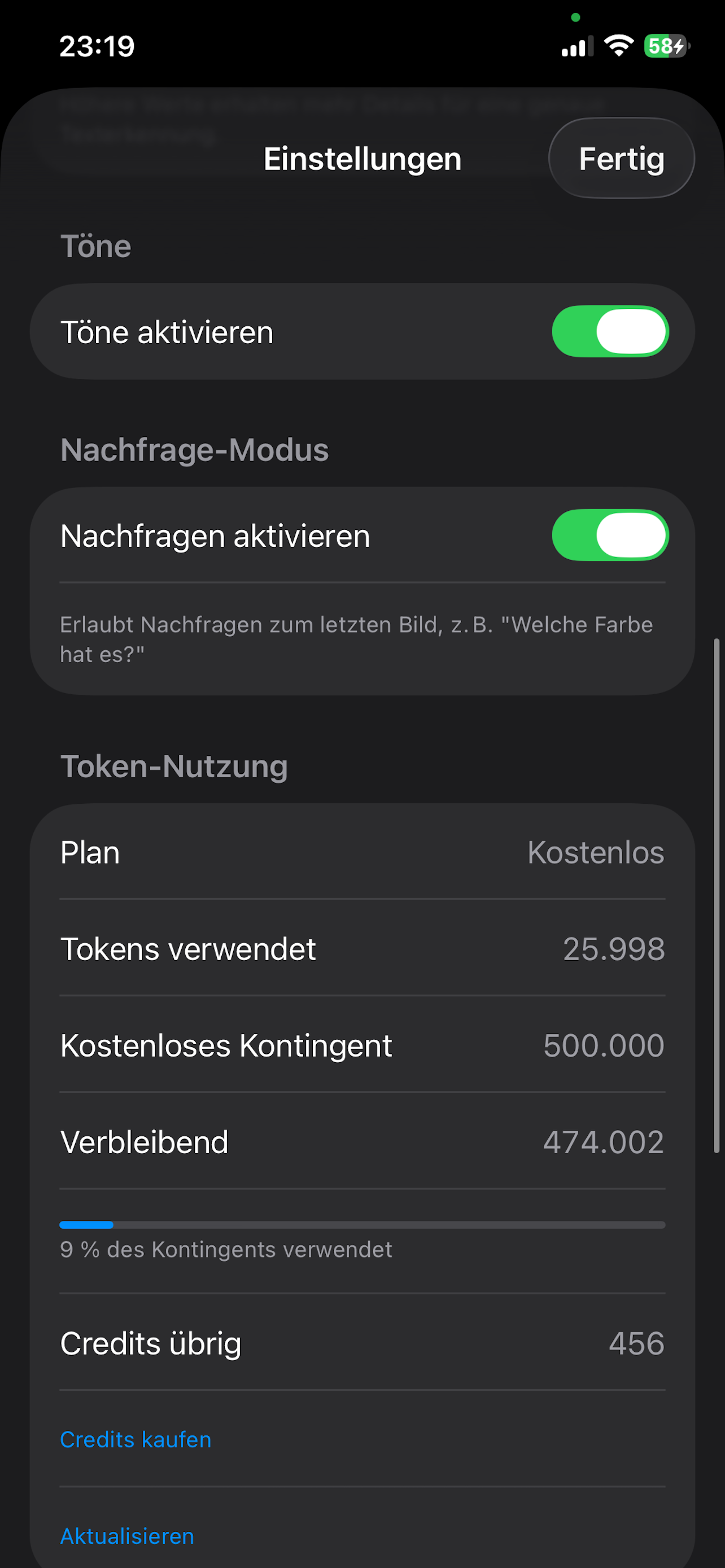
Urobi camera view for describing scenes and scanning text Urobi settings screen for personalization Urobi credit balance and purchase overview
Accessibility first

Built for blind and low-vision users

Urobi is designed for accessibility from the ground up — not bolted on afterward.

  • Large, high-contrast intuitive primary buttons
  • Every result is automatically read aloud
  • Siri Shortcut for fully hands-free use
Credits

Fair & transparent — no subscription

Every device automatically receives free starter credits. After that, you can buy more credits via a one-time purchase through Apple, whenever you need them.

Starter credits

Granted automatically on first use, no payment or sign-up required.

Popular

Credit packs

Four sizes to choose from, one-time in-app purchase via Apple.

No expiry

Purchased credits never expire as long as the app and service are available.

🚫 No subscription

No automatic or recurring charges — ever.

Trust & privacy

Your data stays your data

No accounts

Your device is identified only by a random, anonymous ID stored securely in the iOS Keychain.

On-device transcription

Voice questions are transcribed on your device. Only the text — never the raw recording — leaves your phone.

No storage

Photos, audio, and AI responses are never stored on our servers.

Read the full privacy policy →

⚠️ Please read

AI can make mistakes

Urobi uses AI (OpenAI) to describe images and read text. AI responses can be inaccurate, incomplete, or wrong. Never rely on Urobi alone for safety-critical decisions — such as traffic, crossing streets, medication, stairs, or other hazards. Always double-check important information through other means, and proceed cautiously when in doubt. Use of Urobi is at your own risk; to the extent permitted by law, the developer assumes no liability for damages, injuries, or losses arising from use of the app or reliance on AI-generated information.

FAQ

Frequently asked questions

Do I need an account?

No. Urobi works without sign-up, an account, or an API key. Your device is recognized automatically and anonymously.

What does Urobi cost?

You get free starter credits. After that, you can buy more credits via Apple's in-app purchase whenever needed — always a one-time payment, no subscription.

Are my photos stored?

No. Photos, audio, and AI responses are never stored on our servers.

Does Urobi work offline?

No, an active internet connection (Wi-Fi or cellular) is required for every request.

Ready to rediscover your surroundings?

Download Urobi and get your free starter credits.